
CAD IT Support in Ontario for Engineering Firms Whose Billable Hours Depend on Fast Files
CAD IT support in Ontario keeps design software fast and files safe: workstations sized for AutoCAD, Revit and SolidWorks, storage and remote access built for large drawings, managed versions and licences, and backups tested before a deadline needs them.
When a model takes 90 seconds to open, a designer is billing time to wait. This page is for principals and office managers at Ontario engineering and design firms with roughly 15 to 100 people. For the wider picture, see IT for engineering firms, or ACT360 managed IT services.
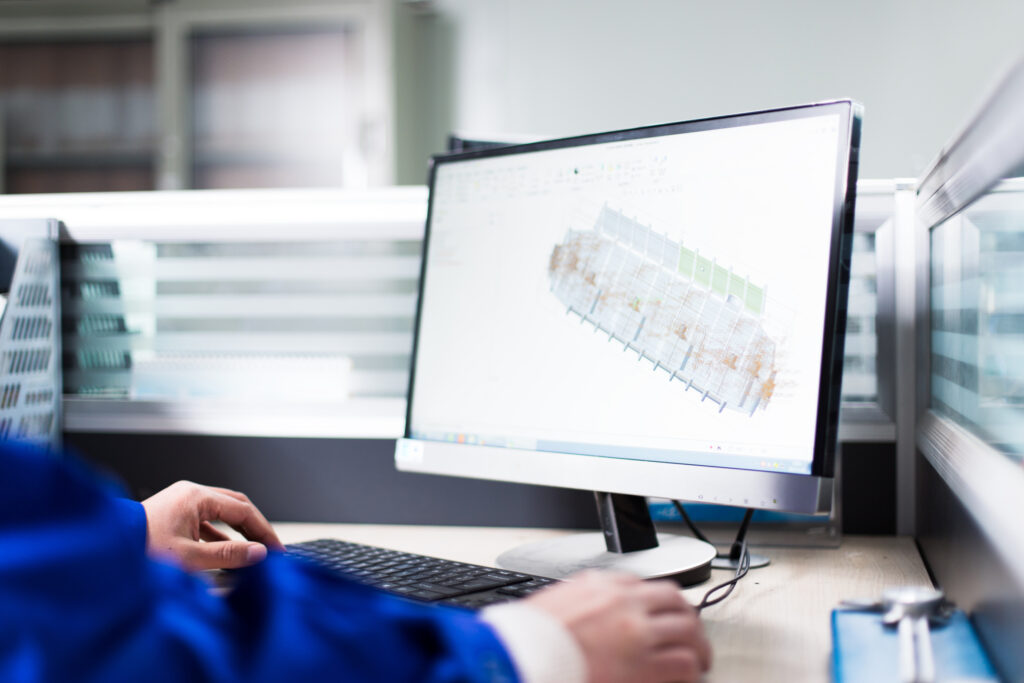
What Does CAD IT Support Actually Cover?
Everything between the designer and the drawing: the workstation, where files live, how people reach them from home, which release everyone runs, and how fast you recover when something breaks.
A generic help desk treats a slow Revit model like any slow computer ticket. CAD support starts from how your firm moves drawings between people, offices and clients. ACT360 supports the programs engineering and design firms rely on, including AutoCAD, Revit, SolidWorks, ANSYS, MATLAB and ArchiCAD, as part of Managed IT.
Why Do CAD Files Open So Slowly?
Rarely because of the CAD software itself. Most delays come from where the files are stored, how they travel across the network, or a graphics setup the software was never certified on.
Architecture studios run into the same problems with heavier models; why architecture firms struggle with IT covers that side.
How Should Remote Engineers Work on Large CAD Files?
Keep the heavy file traffic off the home internet connection. Opening drawings from the office server over a VPN is the simplest setup and usually the slowest one for CAD.
There’s no single right answer, which is why we look at your file sizes, team spread and software before recommending one. When ACT360 moved a law firm off a vendor-locked remote desktop setup to Microsoft Azure, the point was the same: put the work where it runs fast and stays under the firm’s control (law firm Azure migration case study). See cloud migration for how a phased move works.
Keeping Versions, Licences and Updates Under Control
Agree one software release per project, track every licence renewal, and schedule updates around submissions. Mixed releases and surprise updates cause more lost hours than most hardware faults.
- One release per project. When two designers save the same drawing from different releases, or a consultant sends a newer format, time disappears into conversions. Record which release each project uses.
- Licences in one list. Who has which seat, when it renews and who the account owner is. Leavers lose access the day they go, and seats get reassigned instead of rebought.
- Updates on your calendar. CAD, graphics driver and Windows updates are tested first, then rolled out outside deadline weeks.
- Supported operating systems. Windows 10 reached end of support on October 14, 2025 (Microsoft lifecycle). Workstations still on it no longer get security fixes, and newer CAD releases expect a current system.
Protecting Project Files From Ransomware and Loss
Drawings and models are the firm’s intellectual property. Protect them with versioned, offsite backups that are tested on a schedule, and with security that doesn’t slow designers down.
The scenario principals fear is a live project folder locked 48 hours before a submission. The defence is boring and specific: backups that keep several versions, a copy that can’t be deleted from the office network, restores tested rather than assumed (the Canadian Centre for Cyber Security’s ransomware playbook sets out the same basics), MFA on every account, and endpoint protection tuned so it doesn’t drag every large model through a full scan each time it opens. ACT360 designs recovery so a firm can get back to the last hour, not the last week. More on how that works is on our business continuity and disaster recovery page and our cybersecurity services page.
What Fixing a Slow File Server Looks Like
Ask what the firm will be running on in three years before buying anything. For a 35-person contractor, that question turned a $60,000 server quote into a $25,000 fix that restored file share performance.
The client is a commercial painting contractor, not an engineering firm, but the symptoms will sound familiar: browsing the file share was painfully slow, the main business software took up to 30 minutes to open, and the server’s drives were failing. The previous provider emailed a quote for a full replacement. ACT360 asked about the firm’s plans, sized a server to bridge to a planned move to the cloud, replaced the failing drives before any data was lost, and brought file performance back to normal. The full story is in the painting contractor case study.
How ACT360 Supports a Design Team
A.C.T.I.O.N.
ACTION is ACT360’s named process. For a CAD environment, it means we watch how drawings move through your firm before we change a single workstation.
Assess
We review workstations, file storage, the network, remote access, licences and backups.
Comprehend
Where designers wait, which projects are live, and how files move between staff, offices and clients.
Tailor
A prioritized plan: the fixes that give back the most billable time first.
Implement
Changes rolled out in phases, scheduled around submissions.
Optimize
Monitoring, tested restores and quarterly reviews, including a hardware refresh plan you can budget for.
Nurture
A standard setup for new hires, so a principal never spends two days building a laptop again.
5 Things to Have Ready Before a New Designer Starts
A sized workstation
Matched to the software they’ll run, not the cheapest laptop in stock.
The right release
The same CAD version the project team uses, already installed.
A licence assigned
Recorded in the licence list, ready to reassign when they leave.
Access to project folders
Only the projects they work on, with MFA on their account.
A remote setup
Tested from home before their first deadline, not during it.
What Does CAD IT Support Cost?
CAD IT support is part of an ACT360 Managed IT agreement, priced per user per month. Microsoft and CAD software licences are billed separately, and workstation hardware is quoted when you need it.
For per-user pricing by firm size and what pushes a quote up, see IT support costs for engineering firms in Ontario. ACT360 Managed IT agreements include a 90-day exit clause, so you can judge the work before you are committed to it.
Case Studies
Work ACT360 Has Delivered for Ontario Businesses

How Sandbox Centre Fixed Its Wi-Fi for Everyday Members and 165-Person Events
Client & Project Snapshot Client Sandbox Centre, a Regional Innovation Centre (RIC)…
Read more about How Sandbox Centre Fixed Its Wi-Fi for Everyday Members and 165-Person Events
How a 35-Person Painting Contractor Cut a $60,000 Server Quote to $25,000
Client & Project Snapshot Industry Commercial painting contractor, with a related c…
Read more about How a 35-Person Painting Contractor Cut a $60,000 Server Quote to $25,000
Custom Software Built on the Autotask API: A Case Study
Client & Project Snapshot Client ACT360 Web & IT (internal project) Engagemen…
Read more about Custom Software Built on the Autotask API: A Case StudyWho Picks Up When a Model Won’t Open
No rotating help desk. These are the people accountable for the work.

Adam Bowles
Partner & CEO15+ years helping Ontario businesses close the gap between the technology they bought and the technology they actually need. Adam won’t recommend anything until he understands how your business runs.

Jeffrey Bowles
Partner & Director of IT ServicesOne of ACT360’s founding team members, trained in computer science at Georgian College. Jeffrey runs the technical side of every engagement and leads ACT360’s vCIO and DEEP MSP programs.
Questions Engineering Firms Ask About CAD IT Support
Common, yes, and usually fixable: large drawings with external references pull a lot of data across a home internet connection every time they open or save.
Opening files from the office server over a VPN is the slowest way to work on CAD remotely. Remote desktop into the office workstation, a cloud-hosted desktop, or a cloud file setup built for CAD all keep the heavy traffic off the home connection. Which one fits depends on file sizes, team size and how often people are out of the office.
For daily modelling in Revit, SolidWorks or large AutoCAD drawings, a business laptop built for email and spreadsheets usually becomes the bottleneck.
The graphics card, memory and drive speed matter more than the badge on the case. We size machines against the software vendor’s published requirements and certified graphics hardware, then match them to what each person actually does. A project coordinator who only opens PDFs doesn’t need the same machine as a lead designer.
AutoCAD, Revit, SolidWorks, ANSYS, MATLAB and ArchiCAD are the programs listed on our engineering page, covering workstations, versions, licences and updates.
If your firm relies on something else, the assessment confirms what we can support before you commit.
Not if they’re planned properly: CAD and Windows updates are tested first and scheduled around your project calendar, never pushed during a deadline crunch.
With versioned, offsite backups that have been test-restored, you roll the project folders back to a clean copy and keep working, losing hours of work rather than weeks.
Without them, the firm is negotiating with whoever encrypted the files. That’s why we test restores on a schedule and check that backups can’t be deleted from the same network they protect. A restore that has never been tried is a guess.
It’s part of an ACT360 Managed IT agreement, priced per user per month, with Microsoft and CAD licences billed separately by the vendor.
Workstation count, on-site needs and how much remote work your team does all move the number. Our guide to IT support costs for engineering firms breaks it down by firm size.
With the free IT Readiness Assessment, a 30-minute conversation about where designers wait, what breaks and what you run today.
From there, ACT360 looks at workstations, file storage, the network and remote access, and gives you a short list: what to fix first, what can wait, and what doesn’t need to change.
Find out where your designers are losing billable time
Get an IT Readiness AssessmentMore for Engineering and Design Firms


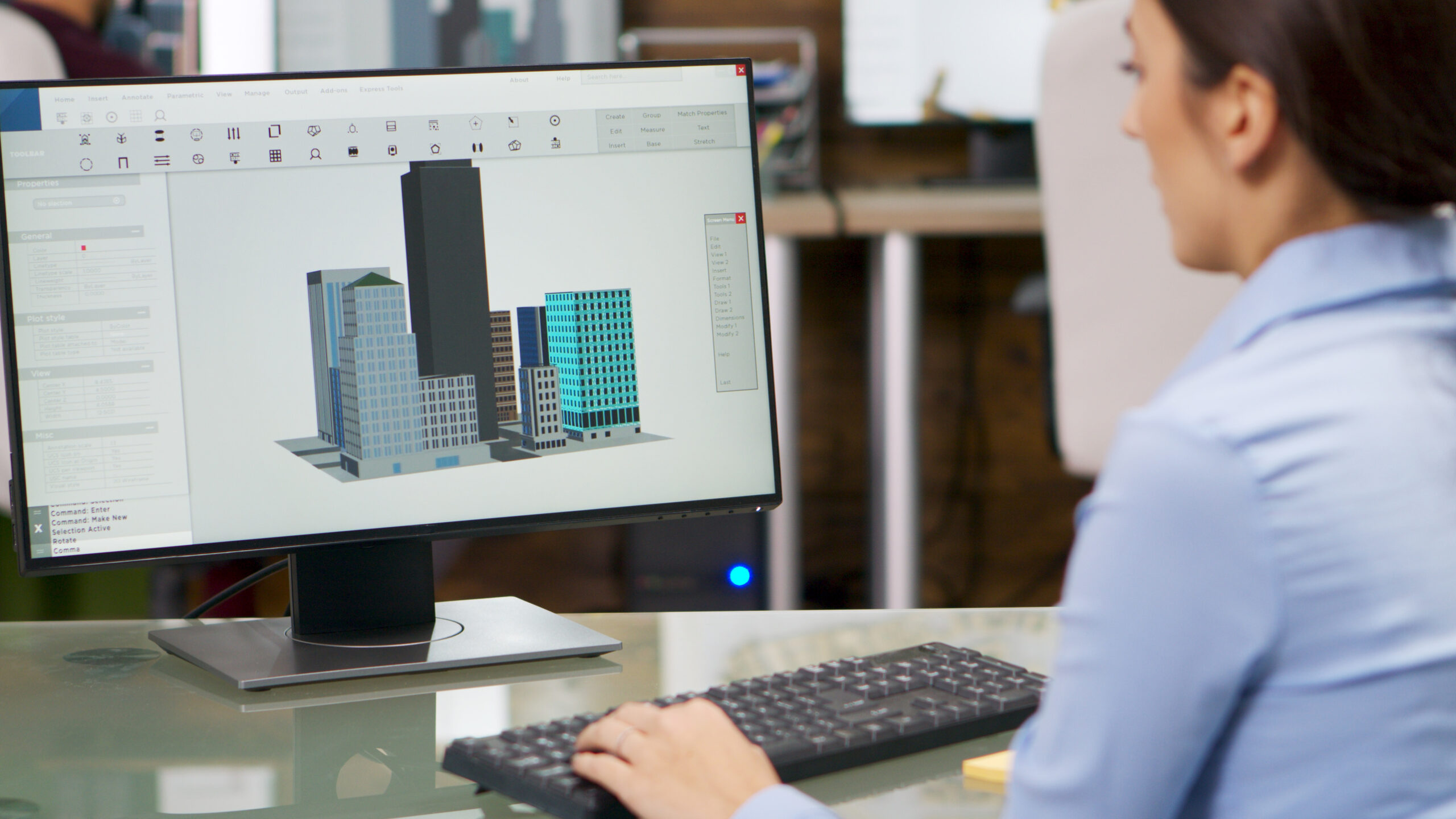
CAD Support From People Who Know What a Slow Model Costs
Workstations, files, licences and backups, with a named contact who knows your firm.
Get an IT Readiness AssessmentGet in Touch

Phone Number

Building Address
By appointment only, 24 Maple Ave, Barrie, Ontario

Business Hours
Monday to Friday, 9am to 6pm
Saturday and Sunday, closed
Request your free assessment
Tell us a little about your business and what prompted the change.
No obligation. We reply within one business day.
Trusted by


Book Your Free 30-Minute IT Readiness Assessment
Leave your details and an ACT360 teammate will call you back within one business day to book it. No obligation.