


You can build a working version of your business app with AI before you spend anything on a developer. Here's the step-by-step process, what to hand over and what a prototype leaves out.
TL;DR You can build a working version of your business app with AI before you spend anything on a developer. Pick one workflow, describe it in plain language, test the result with sample data and the people who’ll use it, and write down what you changed and why. The prototype becomes the spec. The developer’s job shifts from guessing what you meant to rebuilding something you’ve already proven works.
Every week I talk to a business owner who has the idea. A staff scheduling tool. A client intake form that actually routes information where it belongs. A system that turns emailed sign requests into print files. The idea is solid. The question is always the same. How do I get this built without spending a lot of money and 3 months on something that misses the mark?
ACT360 builds custom web applications for businesses across Barrie and Ontario, and the biggest change I’ve seen in more than 20 years is what happens when the owner builds the first version themselves. AI tools now let a non-technical owner produce a working prototype in days. That prototype becomes the spec, and it changes how the whole project runs.
“I’m never going to get a better prototype, or a better business vision idea of what the client wants, than if they built their own app off of their data and actually tried to use it themselves.” Adam Bowles, Partner and CEO, ACT360
What Is an App Prototype, and Why Build One First?
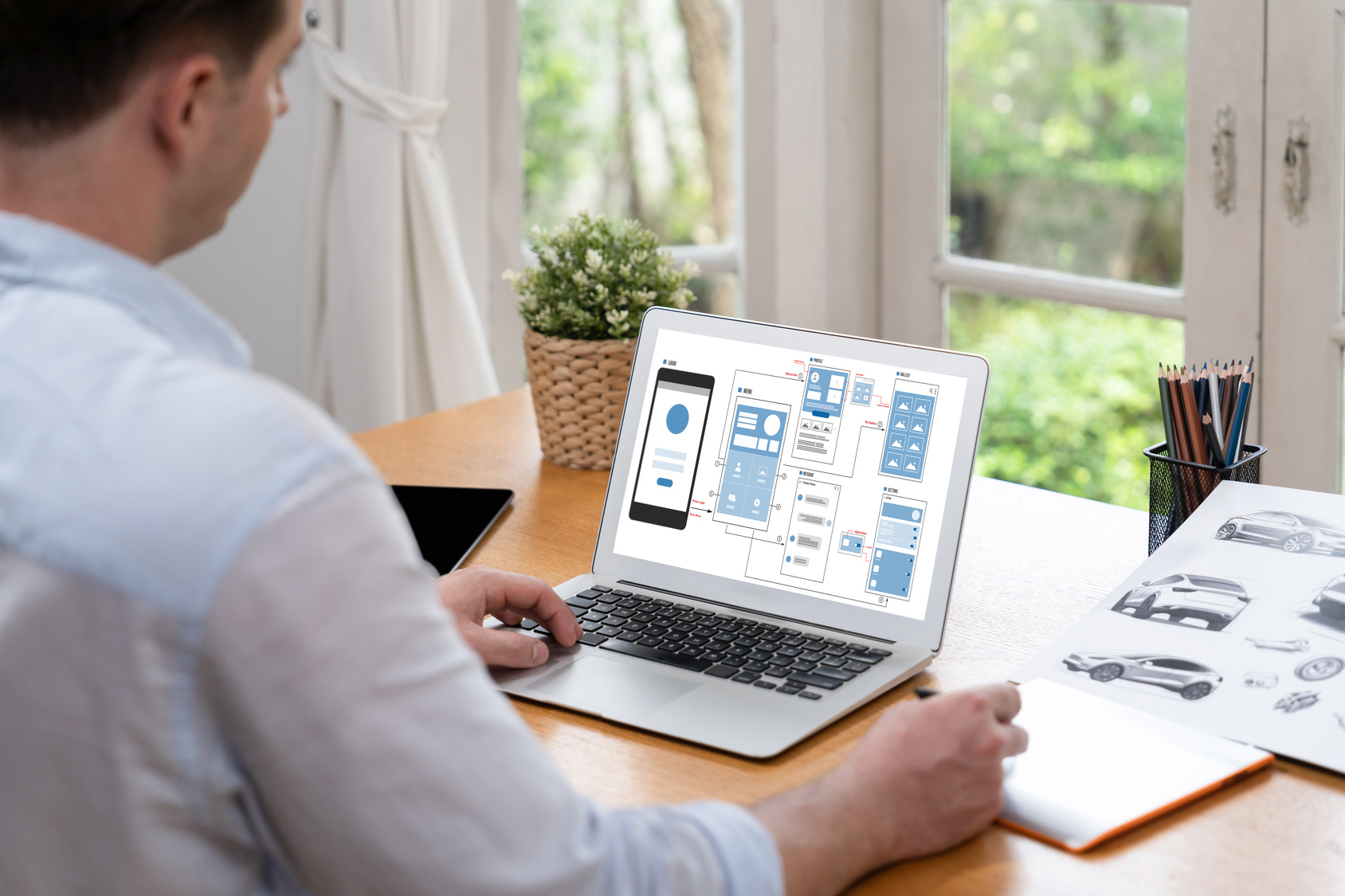
An app prototype is a working, clickable version of software that shows how screens, data and steps fit together, without the security, hosting and error handling production software needs. Its job is to settle what the app should do before anyone pays to build it properly.
The traditional path puts that decision at the expensive end. You hire a developer, sit through discovery meetings and wireframes, and the developer builds what they understood. You look at it and say “that’s not what I meant.” Nobody’s at fault. A business owner understands the workflow, a developer understands code, and translating one into the other through conversation is like giving directions to a city you’ve never visited.
“It gets the business owner’s idea, it gets their vision of what they want, and lets them play around with it way faster than what I could ever hope to do sitting through a prototyping meeting with them.” Adam Bowles, ACT360
How Do You Prototype a Business App with AI, Step by Step?
Prototyping a business app with AI means describing one workflow to an AI tool in plain language, testing what it builds with sample data and real users, and repeating until it feels right. Most owners get a usable first version in a few days of part-time effort by following these 7 steps.
- Pick one painful workflow and write down who does what, in what order.
- Choose a tool that matches your comfort level, such as Claude, Bolt, Lovable or Cursor.
- Describe the app in plain language, including users, screens, fields and the result you want.
- Load made-up or anonymized sample data that looks and behaves like your real records.
- Click through it yourself, then ask the AI to fix whatever feels wrong or slow.
- Put it in front of a few of the people who’d actually use it, and watch them.
- Write a one-page brief covering decisions made, known gaps and what success looks like.
A few of these steps deserve more detail.
Start narrower than you think
The most common mistake is trying to prototype the whole business system at once. Pick the workflow that wastes the most time or causes the most errors. A maintenance request tracker is a great first prototype. “Our entire operations platform” isn’t.
Write a prompt that gets a useful first version
Describe the people, the steps and the end result, not the technology. Something like this works well as a first prompt.
Build a simple web app where our 12 service technicians log equipment maintenance requests from a phone. Each request has a customer, a location, the equipment, a priority and photos. A dispatcher assigns requests to technicians. Technicians mark jobs started and finished. Show the dispatcher a dashboard of open requests by location, with anything older than 48 hours flagged red. Use made-up sample data.
Then iterate in small steps. “Add a filter by technician.” “Make the priority list High, Normal, Low.” Small requests get better results than long ones.
Match the tool to how hands-on you want to be
| Tool type | Examples | Good for | Watch out for |
|---|---|---|---|
| Chat-based builders | Claude, ChatGPT | Quick single-screen prototypes inside the chat | Limited multi-page structure; data resets easily |
| Browser app builders | Lovable, Bolt | Multi-page web apps with logins you can click through | Easy to over-trust; generated code still needs review |
| AI code editors | Cursor, Replit | Owners comfortable seeing and editing code | Steeper learning curve; you manage the files |
The speed is real. In GitHub’s controlled study, developers using an AI coding assistant completed a programming task 55% faster than those without one. For a non-developer, the gain is bigger, because the alternative was not building at all. It’s part of a broader shift that Gartner predicted back in 2022, when it said people outside IT departments would make up at least 80% of low-code tool users by 2026.
What Should You Hand a Developer Along with the Prototype?
The prototype tells the developer what to build. These extras tell them why, which saves rounds of questions.

- A link to the working prototype, or the exported files
- Your prompt history, which shows every decision and change in order
- The sample data, plus a short note on what each field means in real life
- A list of user types and what each one should be allowed to see or change
- The systems it needs to talk to, such as Microsoft 365, your accounting software or an ERP
- A “known gaps” list of things you couldn’t get working or weren’t sure about
- 2 or 3 measures of success, like “dispatcher sees every open job without asking anyone”
What Does an AI Prototype Leave Out?
Let me be blunt. An AI-generated prototype is not a production application, and the gap between the two is where projects hold up or fall apart.
Security is the biggest gap. Veracode’s 2025 research found AI models introduced serious vulnerabilities in 45% of coding tasks, and for Java the failure rate was over 70%. Beyond security, prototypes rarely handle multiple users editing the same record, permanent hosting with backups, or the messy edge cases, like someone uploading a 200 MB file or deleting a record other records depend on. A prototype that’s quick with 10 test records may crawl with 10,000.
Data handling matters during prototyping too. Canada’s privacy commissioner has published principles for privacy-protective use of generative AI, and the simplest way to respect them at this stage is to keep real personal information out entirely. We cover the full prototype-versus-production gap in what breaks between prototype and production.
How Does ACT360 Turn Your Prototype into Production Software?
We built our process around this new way of working. It looks nothing like a traditional development engagement.
- You build the prototype, test it with real users and iterate until it feels right.
- You show us what you built. We review it and scope the engineering work it needs.
- We rebuild it properly, with the right framework, security model, database and hosting. The look and logic stay the same.
- You get your own copy to keep experimenting in. When a new feature works, we review it, clean it up and deploy it.
- Hosting, updates and patches sit with our managed IT services team, so the app always has an owner.
For clients who want a strategic partner and not just a developer, this pairs with our vCIO advisory services.
What has this looked like for real clients?
Two examples from ACT360 projects, as reported by the clients and our team.
One owner built an HR tool with an AI chat tool over a weekend, including the review form structure, scoring logic and a manager dashboard. ACT360 rebuilt it with role-based permissions, encrypted data storage and sign-in through the company’s existing accounts. We estimate total project time came in at roughly half of a requirements-first approach. Our upcoming piece on custom HR software for field teams tells the fuller story of a client that replaced its HR platform this way.
A sign and print business prototyped an app that turns emailed sign requests into proofs with the right dimensions and branding. The prototype handled the happy path. We added error handling for bad formats, a revision workflow and a connection to the production queue. It took about 6 weeks, against roughly 3 months we’d have expected with traditional discovery. We tell that story in more depth in our piece on how one shop automated order intake.
How Does Prototype-First Compare with Traditional Development?
Here’s how the 2 approaches typically compare. The figures reflect ACT360’s project experience, not an industry benchmark.
| Factor | Traditional path | Prototype-first path |
|---|---|---|
| Discovery | 4 to 8 weeks of meetings and wireframes | The owner builds a prototype in 1 to 2 weeks |
| Requirements based on | Conversations and assumptions | A working app the owner has tested |
| Revision rounds | Typically 3 to 5 | Typically 1 to 2 |
| When the idea is wrong | Discovered after the budget is spent | Discovered in days, at almost no cost |
| Owner’s understanding | Abstract until the first demo | Hands-on from day one |
| Cost impact | Full budget for discovery and build | Up to 40% lower total cost |
Once the app is live, the same AI tools that helped you prototype can automate other repetitive work, which is where our AI automation services come in.
Build It Yourself First
Build it yourself first. Get it wrong fast and fix it faster. Then bring in a developer to turn your validated prototype into something secure, reliable and properly hosted. You don’t know what you want until you’ve seen it, and now you can see it before you spend the budget.
Built something with AI and not sure what to do next? Show us your prototype. Book a free IT Readiness Assessment and we’ll tell you what it needs to go live.


